
Calendar & Booking
Let customers book time without the back and forth.
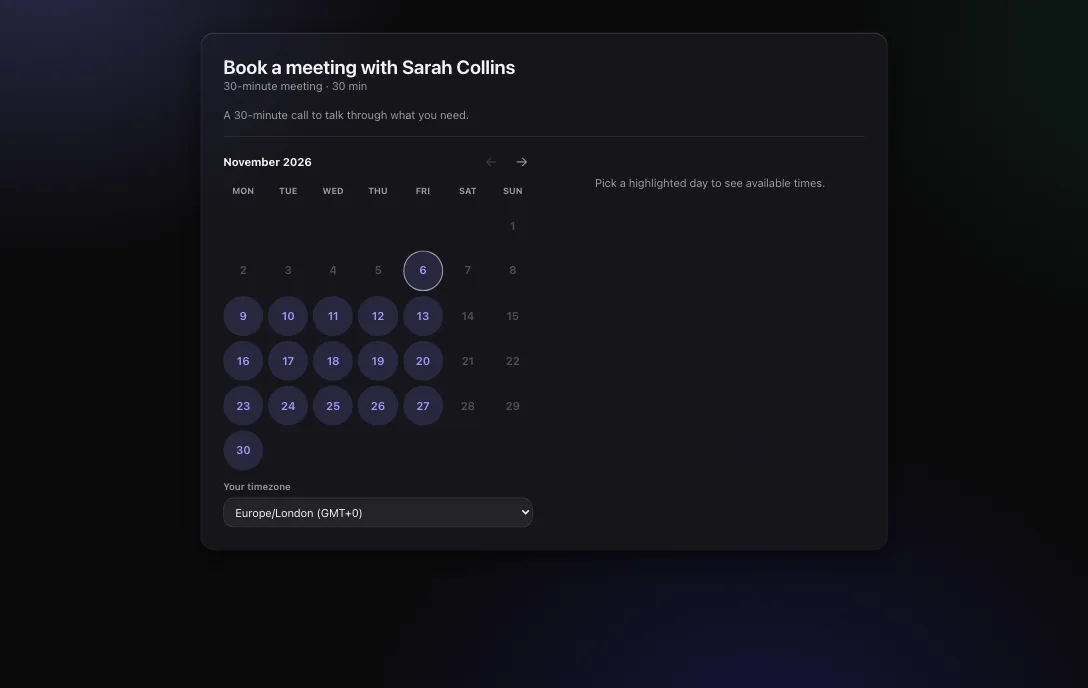
Share a link, or embed a calendar on your site. Visitors only see times when you are free.
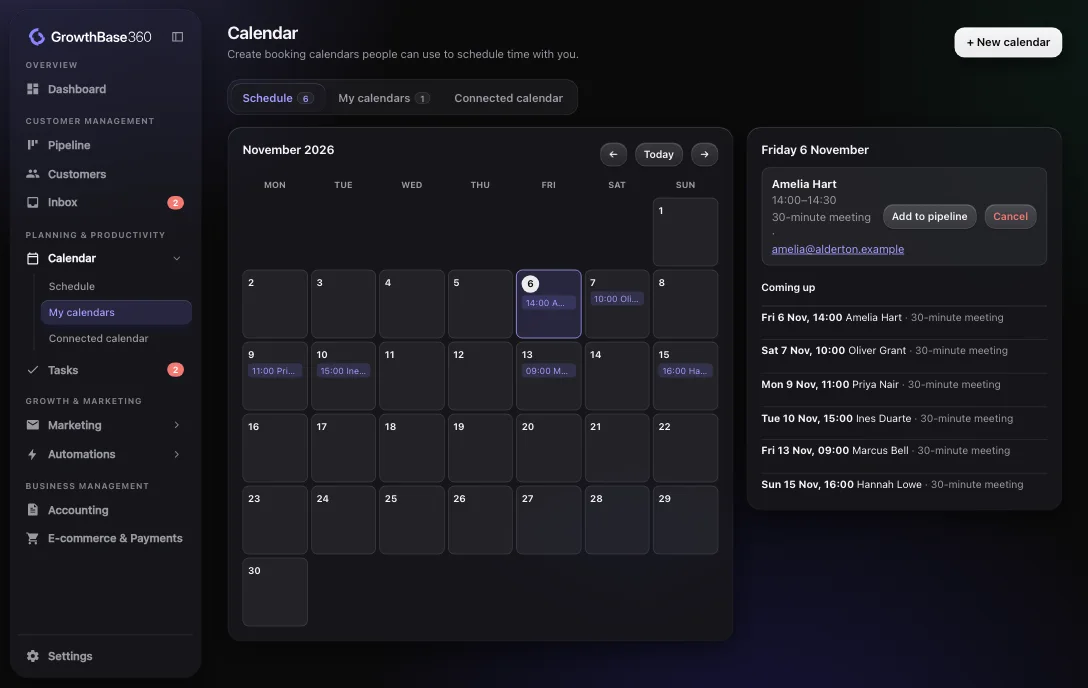
See what is coming up
Your schedule shows booked meetings by month with a list of what is next. Open any booking to add it to your pipeline or cancel it.
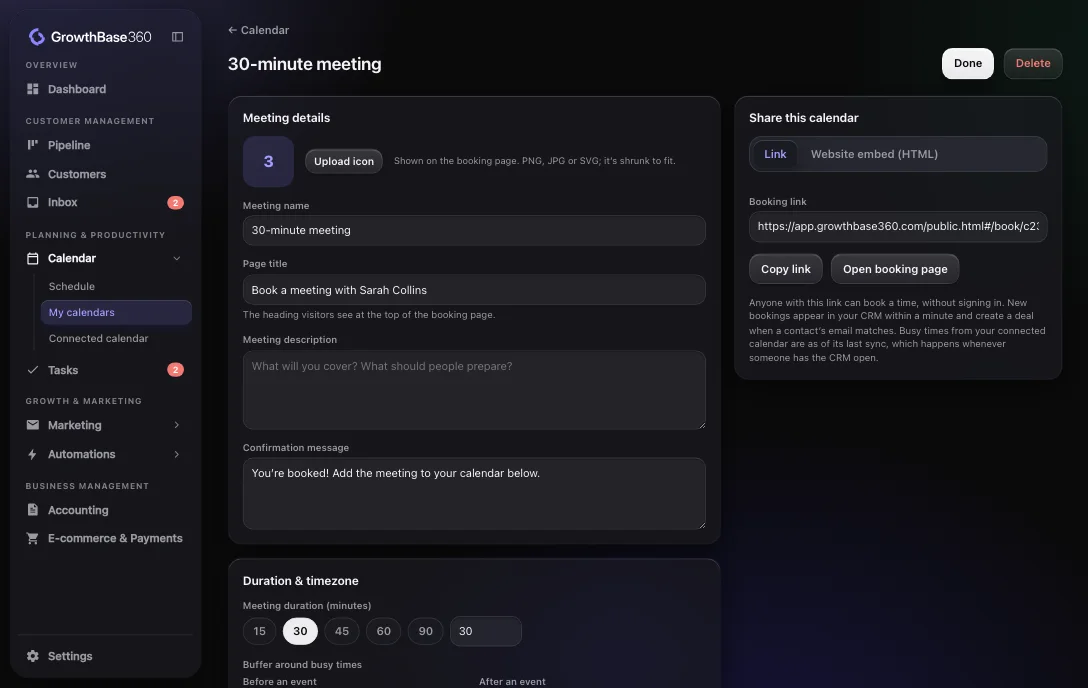
Calendars set up the way you work
Create one calendar per kind of meeting, each with its own page and rules.
- Available hours for each day of the week
- Meeting length and buffers around meetings
- Minimum notice and how far ahead people can book
- Your time zone, with the visitor’s shown to them
- A confirmation message of your own
Connected
How a booking fits into customer management
A visitor books a time
On your link or your embedded calendar.
Your calendar is updated
With a connected calendar, the time is added and blocked.
It joins the customer record
Bookings link to a matching deal, and appear on the customer’s profile.
Your process carries on
A Meeting is booked trigger can start an automation.
Connected
How it connects to the rest of GrowthBase360
Integrations
Relevant integrations
Connect a calendar so booking pages respect your real availability.
FAQ
Frequently asked questions
Do visitors need an account to book?
No. They open your booking link, choose a time and enter their details.
Which calendars can I connect?
Google Calendar and Microsoft Outlook Calendar.
What happens after someone books?
The meeting appears on your schedule. If the visitor matches a deal contact it links to the deal, and otherwise you can add it to your pipeline. An automation can also run.
Fill your calendar, not your inbox.
Discover a smarter way to manage, market and grow your business.